Bites Forms
Clients kept asking us to embed Google Forms. Instead of iframing a third party publisher and paying for it, I built Forms in house. Then they needed DocuSign style signing to onboard employees end to end, so I made it two in one.
A lot of Bites clients were asking us to embed Google Forms: and other third party form tools, inside the product. The default path was to iframe someone else's publisher and pay for it as a company.
That meant another vendor, another invoice, and client data living outside Bites. I said: why pay a form publisher when we can build this ourselves?
Once forms existed, the next request showed up immediately. Clients needed DocuSign style signing so they could onboard employees from top to bottom, collect the information, sign the documents, and keep the whole trail in one place.
I started by building the forms. Then I added signing. The result is two in one, structured responses and e-signatures, without embedding Google Forms or paying a third party publisher:
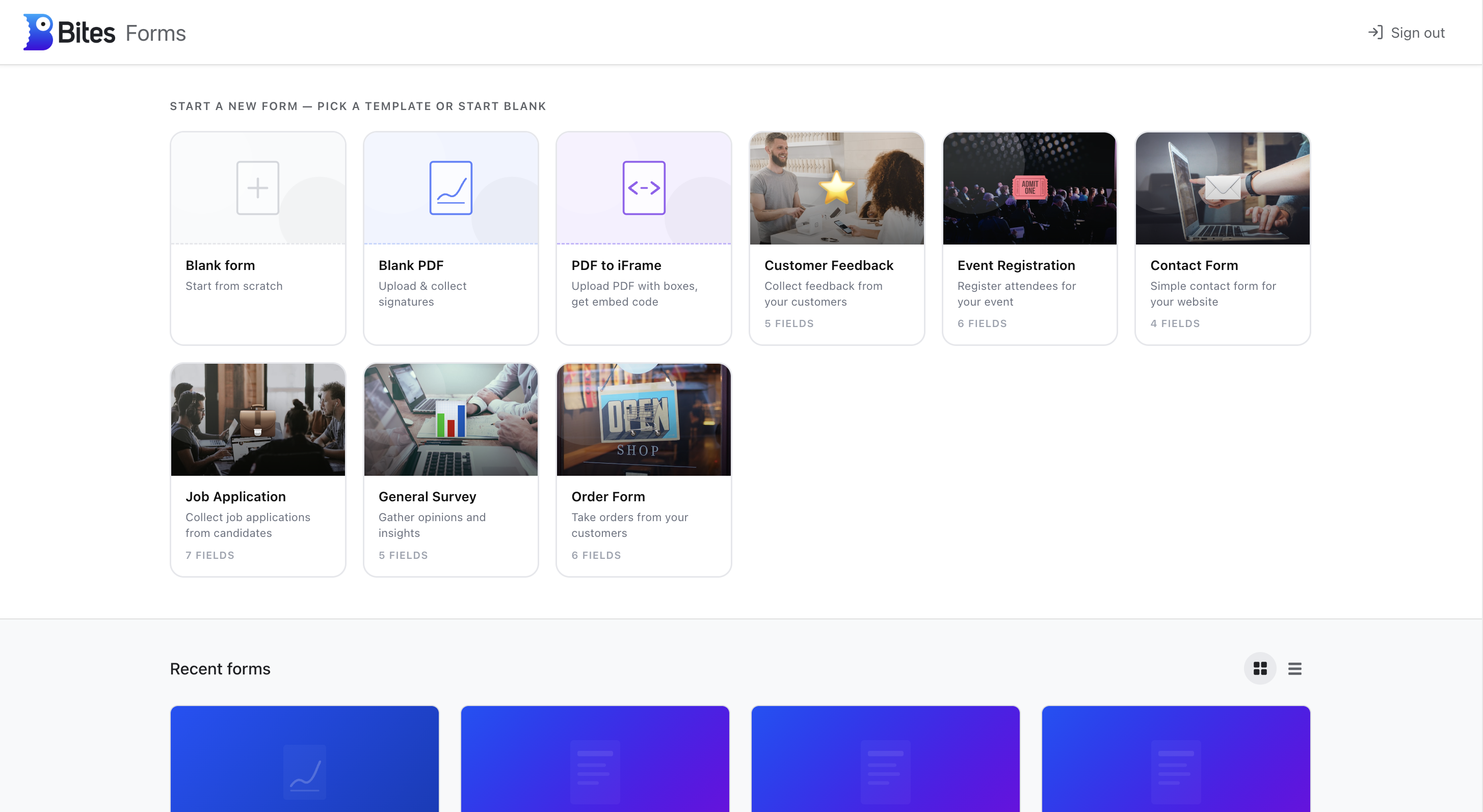
- Template gallery: ready made starting points (customer feedback, event registration, job applications, order forms) plus blank form and PDF options.
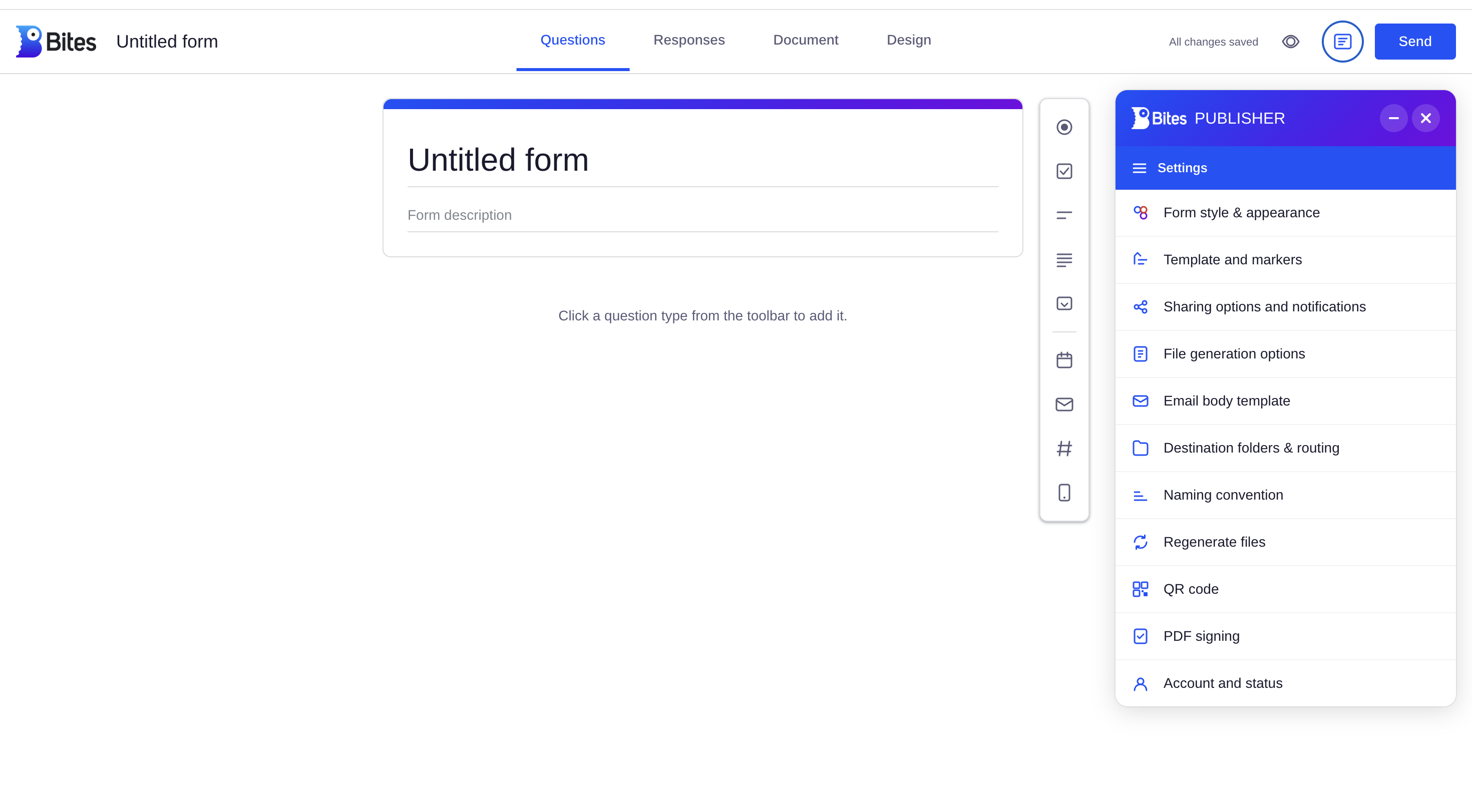
- Drag and drop builder: question types added from a toolbar, with live preview and autosave.
- DocuSign style signing: upload a PDF, place signature boxes, and onboard employees from top to bottom in the same flow.
- Email copies: every submission sends a copy out, so clients and signers have a record immediately.
- Stored in our database: responses and signed files live in Bites, so nothing gets lost in a third party tool.
How it works
The builder is drag and drop, with question types, live preview, and autosave. Signature boxes are placed on an uploaded PDF. Every submission emails a copy out. Responses and signed files are stored in the Bites database.
In use with clients. It replaced the Google Forms embed request and the extra signing tool in one product:
This is how I work: a client asks for an embed, I ask whether we should own the workflow instead, then I ship it, listen for the next gap, and add what they actually need.